
A great football highlight video can open doors to college recruitment, club trials, scholarships, and a larger social media following. Whether you are a beginner athlete, an amateur player, or a content creator, learning how to make a football highlight video can help you present your skills clearly and professionally. If your goal is to pursue competitive opportunities, following a player pathway football Canada program can help you connect your highlight reel with the right clubs, coaches, and recruitment opportunities.
You do not need expensive equipment or years of editing experience. With proper planning, strong clip selection, and simple editing, you can create a football highlight reel that keeps coaches, recruiters, and fans watching. This guide explains how to plan, structure, edit, and publish a professional highlight video for recruitment or social media.
Why a Football Highlight Video Is Important
A football highlight reel is more than a collection of exciting moments. It is a personal marketing tool that allows coaches, scouts, and recruiters to evaluate your abilities quickly. Instead of expecting someone to watch a complete 90-minute match, an athlete recruitment video presents your strongest performances in a few minutes. If you plan to showcase your skills during international tournaments or recruitment events, participating in Football Tours to Europe for Canadian Teams can provide valuable match experience and high-quality footage for your highlight reel.
A strong highlight video can help you:
- Showcase your technical abilities
- Demonstrate decision-making under pressure
- Highlight your consistency across different matches
- Build a recognizable personal football brand
- Share your performance with clubs and recruiters
- Increase exposure on social media platforms
How to Make a Football Highlight Video Step by Step
Creating a professional football highlight reel becomes much easier when you follow a clear process. From identifying your video’s purpose and selecting the best highlight clips to organizing and editing the final footage, each step affects how coaches and recruiters evaluate your performance.
However, if you want to create a truly professional football highlight video that stands out from thousands of other players, working with an experienced video production agency can make a significant difference. Professional teams such as Perseus Creative Studio can help athletes capture, edit, and present their best moments with high-quality production techniques, storytelling, and recruitment-focused video structure.
For players who are serious about gaining exposure, attending trials, or attracting coaches and scouts, investing in professional highlight video production can help showcase their skills in the most effective way.
- Plan Your Video Before Editing
- Choose the Best Highlight Clips
- Organize the Video Structure
1. Plan Your Video Before Editing
The best football highlight videos begin with a clear plan. Before opening your editing software, decide who the video is for and what you want it to achieve.
Ask yourself the following questions:
- Is the video for college or club recruitment?
- Is it designed for social media?
- Are you applying for a football trial?
- Which position do you play?
- Which abilities do you want to demonstrate?
Your position should influence the clips you select. A recruiter evaluating a goalkeeper will look for different qualities than someone evaluating a striker.
- Goalkeepers: Saves, distribution, positioning, crosses, and communication
- Defenders: Tackles, interceptions, aerial duels, positioning, and recoveries
- Midfielders: Passing, vision, ball control, pressing, and transitions
- Forwards: Goals, assists, movement, dribbling, and finishing
2. Choose the Best Highlight Clips
The quality of your clips matters more than the total number of clips. Your best highlight clips should immediately demonstrate your strongest abilities.
Look for moments that show:
- Goals and assists
- Key passes and through balls
- Successful dribbles
- Defensive recoveries
- Winning tackles
- Smart positioning
- Press resistance
- Long-range passing
- Movement without the ball
- Work rate and pressing
Avoid adding average plays simply to make the video longer. One excellent clip is more valuable than several ordinary moments.
Before including a clip, ask:
Would this moment impress someone who has never watched me play?
If the answer is no, remove it.
3. Organize the Video Structure
A clear structure helps recruiters understand your skills without becoming distracted or confused.
Create a Short Introduction
Keep the introduction between five and ten seconds. Include:
- Your full name
- Your primary position
- Your current team
- Your jersey number
- Your graduation year, if relevant
- Your height, if relevant
- Your contact details
Avoid using a long animated logo or dramatic introduction. Recruiters want to see your football ability quickly.
Start with Your Strongest Plays
Never save your best moments for the end. Some recruiters decide within the first 30 to 60 seconds whether they will continue watching.
Open the video with one of the following:
- Your best goal
- An exceptional assist
- A strong defensive action
- A game-changing save
- An intelligent passing sequence
Group Similar Skills Together
Rather than placing clips randomly, organize them into logical categories.
A forward’s highlight sequence might include:
- Best goals
- Assists
- Dribbling
- Movement and positioning
- Pressing and defensive effort
A defender could organize the video around tackles, interceptions, aerial duels, passing, and recovery runs.
Finish with a Memorable Clip
End the video with another strong moment. A powerful final clip helps create a lasting impression.
Football Highlight Video Editing Tips
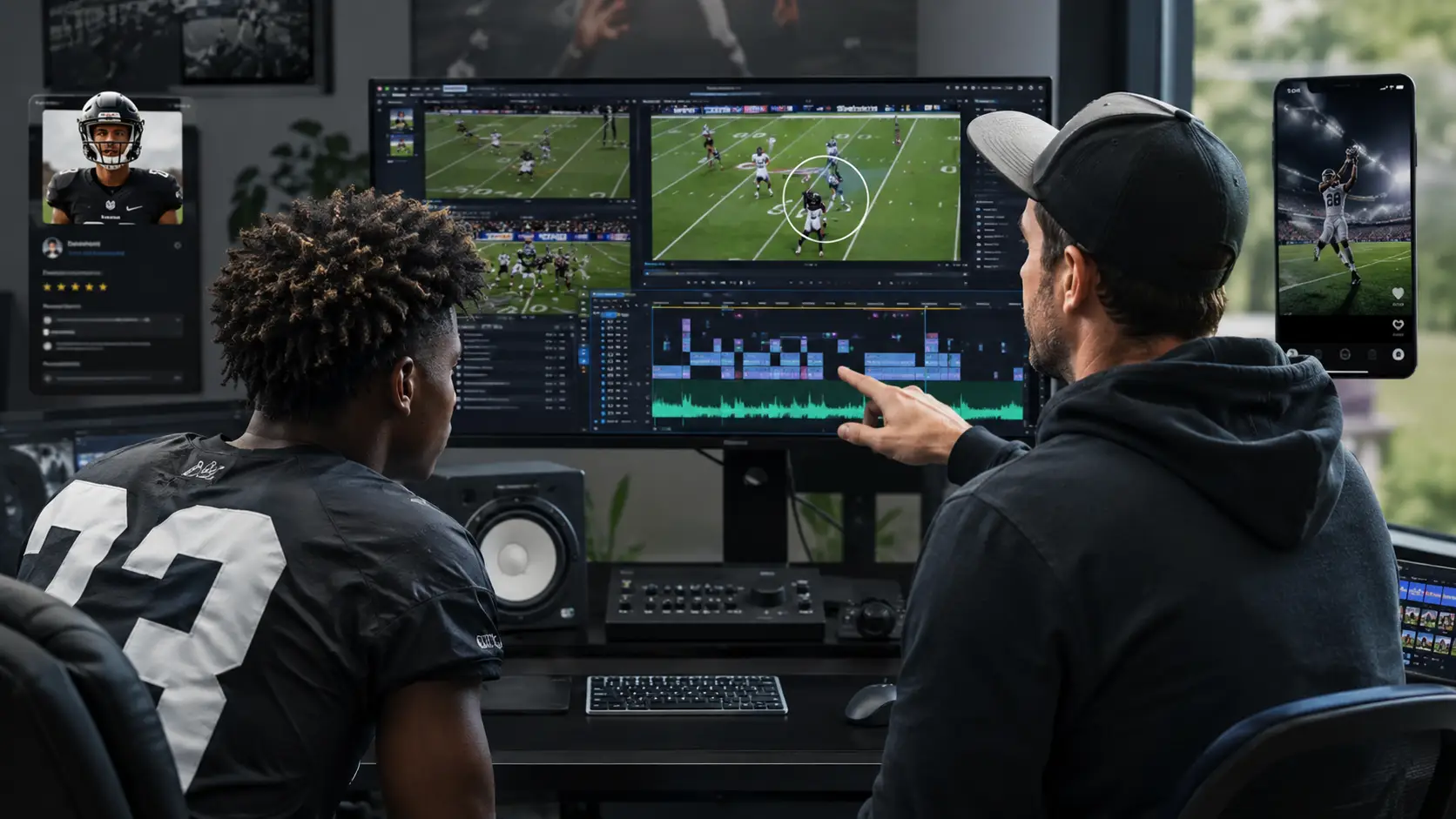
Good sports highlight video editing should feel simple and natural. The editing should make your football easier to evaluate, not distract viewers from your performance.
Keep the Video Short
Recommended video lengths include:
- Recruitment videos: 3–5 minutes
- Position-specific reels: 2–4 minutes
- Social media videos: 30–90 seconds
Do not create a ten-minute video unless a coach specifically requests one. Most viewers prefer a short reel containing only your strongest moments.
Highlight Yourself Before Each Play
One of the most important football video tips is making sure the viewer can identify you immediately.
Before each clip begins, use:
- A circle
- An arrow
- A spotlight effect
- A brief freeze frame
Display the marker for one or two seconds, then remove it when the action starts. Avoid keeping a large arrow or circle on the screen throughout the entire play.
Use Clean Transitions
Simple cuts are usually the best choice for a football highlight reel.
Avoid overusing:
- Explosive transitions
- Flash effects
- Spinning animations
- Excessive zooming
- Slow-motion effects on every clip
A professional recruitment video should be easy to follow and focused on the player.
Choose Music Carefully
Music should support the video without overpowering it. Instrumental music, light cinematic tracks, or motivational beats usually work well. Keep the volume low. When possible, allow some natural match sounds to remain audible. For social media, confirm that you have permission to use the music or select tracks
from the platform’s licensed audio library.
Maintain Consistent Video Quality
Try to use footage with:
- Similar resolution
- Consistent frame rates
- Stable camera movement
- Clear views of the field
- Good lighting and visibility
Combining sharp HD footage with heavily blurred or shaky clips can make the entire video appear less professional. Export the final version in 1080p whenever the original footage supports it.
Best Tools for Football Highlight Video Editing
You do not need expensive software to create an effective football highlight video. Choose a tool based on your editing experience and the complexity of the project.
Beginner-Friendly Tools
- CapCut: Easy to use for mobile and social media editing
- iMovie: A simple option for Apple users
- Canva Video Editor: Useful for titles and basic editing
Intermediate Tools
- DaVinci Resolve: Powerful free software with professional features
- Adobe Premiere Elements: Easier than Premiere Pro but still flexible
Professional Tools
- Adobe Premiere Pro: Suitable for advanced editing workflows
- Final Cut Pro: A professional option for Mac users
The software is less important than your clip quality, video structure, and editing decisions.
Common Football Highlight Video Mistakes to Avoid
Even talented players can reduce the impact of their football highlight reel by making a few common editing mistakes. Small issues such as poor clip selection, unnecessary effects, or an overly long video can distract coaches and recruiters from your actual performance. Avoiding the following mistakes will help you create a cleaner, more professional highlight video that keeps viewers focused on your abilities.
1. Making the Video Too Long
Recruiters are unlikely to watch a long video filled with repetitive plays. Remove weak clips and focus on quality.
2. Using Poor-Quality Footage
Blurry, shaky, dark, or heavily zoomed clips make it difficult to evaluate your performance. Whenever possible, use footage recorded from an elevated position with a clear view of the field.
3. Starting Too Slowly
Do not spend the first 30 seconds showing logos, cinematic animations, or long title sequences. Introduce yourself quickly and move directly into the action.
4. Including Repetitive Clips
Showing five similar goals does not always add value. Use a variety of clips that demonstrate different abilities and match situations.
5. Overusing Editing Effects
Too many effects make the video look less professional. The player should remain the focus, not the editing.
6. Making the Player Difficult to Identify
If viewers cannot immediately find you on the field, they may skip the clip. Highlight yourself clearly before each play begins.
Good vs. Bad Football Highlight Videos
| Good Highlight Video | Bad Highlight Video |
|---|---|
| Starts with the player’s strongest clips | Starts with a long animated introduction |
| Lasts approximately 3–5 minutes | Lasts more than 10 minutes |
| Uses simple, clean editing | Uses excessive effects and transitions |
| Clearly identifies the player | Makes the player difficult to find |
| Uses sharp, stable footage | Includes blurry or shaky footage |
| Organizes clips by skill or position | Uses a random clip sequence |
| Includes only meaningful plays | Includes repetitive or average moments |
| Ends with another memorable play | Ends with a weak or unclear clip |
Pro Tips to Make Your Highlight Video Stand Out
Creating a football highlight video is about more than simply collecting your best moments. The most effective highlight reels tell a clear story about your abilities, decision-making, and consistency as a player. The following professional tips can help your video stand out from hundreds of others and leave a stronger impression on coaches, scouts, recruiters, and football agencies.
Show Decision-Making, Not Only Goals
Recruiters evaluate more than goals and assists. Include clips that demonstrate vision, tactical awareness, positioning, communication, and movement without the ball.
Show the Full Development of the Play
Do not cut the clip too early. Include enough footage before and after the main action so viewers can understand your positioning and decision-making.
Use Multiple Match Situations
Include clips from:
- Competitive matches
- High-pressure situations
- Matches against strong opponents
- Different phases of play
- Attacking and defensive transitions
Create Separate Recruitment and Social Media Versions
Recruitment videos and social media reels serve different purposes. A recruitment video should show complete plays, positioning, and tactical decisions. A social media video can use faster pacing, shorter clips, and more energetic music.
Add Useful Video Information
When uploading your highlight reel, include your name, position, team, season, contact information, and location in the video description.
Use a clear title such as:
John Smith – Central Midfielder – 2026 Football Highlights.
Football Highlight Video Checklist
- Include your name, position, team, and contact information
- Start with your strongest clips
- Highlight yourself before each play
- Keep the recruitment video between three and five minutes
- Use clear, high-quality footage
- Remove repetitive or average plays
- Group similar skills together
- Use simple transitions
- Keep music at a low volume
- End with a memorable clip
- Export the video in 1080p when possible
- Watch the final version from beginning to end before publishing
Conclusion
Learning how to make a football highlight video is not only about editing clips. It is about presenting your abilities in a clear, organized, and convincing way. A professional football highlight reel can help recruiters evaluate your potential, improve your personal brand, and increase your exposure across football networks and social media platforms. Focus on quality over quantity, start with your strongest moments, clearly identify yourself, and keep the editing simple. With thoughtful planning and the right sports highlight video editing approach, your reel can leave a strong impression on coaches, clubs, recruiters, and fans. Once your video is complete, share it with relevant coaches, football agencies, recruitment platforms, and social media audiences to increase your chances of being discovered. You can also explore professional football opportunities and recruitment support through Match Tour 11.